Grant Permissions
Your Google Cloud service account needs to have the appropriate permissions so Botsi can manage subscriptions and validate purchases.
To grant it the permissions, follow the steps below:
-
From the Google Play Console dashboard, go to Users and Permissions.
-
Open the three-dot menu and click Invite new users.

- Enter the email address of the service account you created.

- In the Permissions section, go to the Account Permissions tab.

-
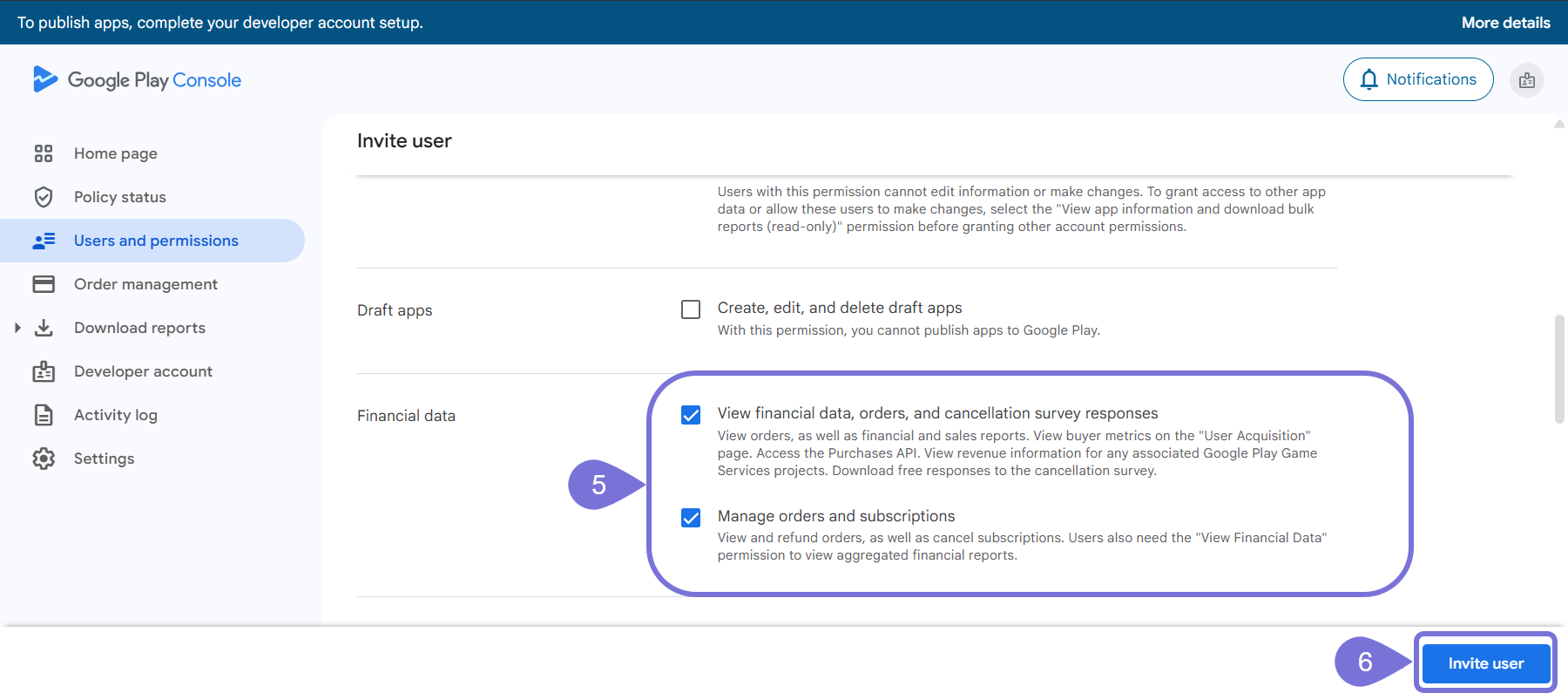
Select the following permissions:
-
View app information and download bulk reports (read-only)
-
View financial data, orders, and cancellation survey responses
-
Manage orders and subscriptions
-
Manage store presence
-
-
Click Invite User.
- In the pop-up window, click the Send invite button. The service account will show in the user list.